

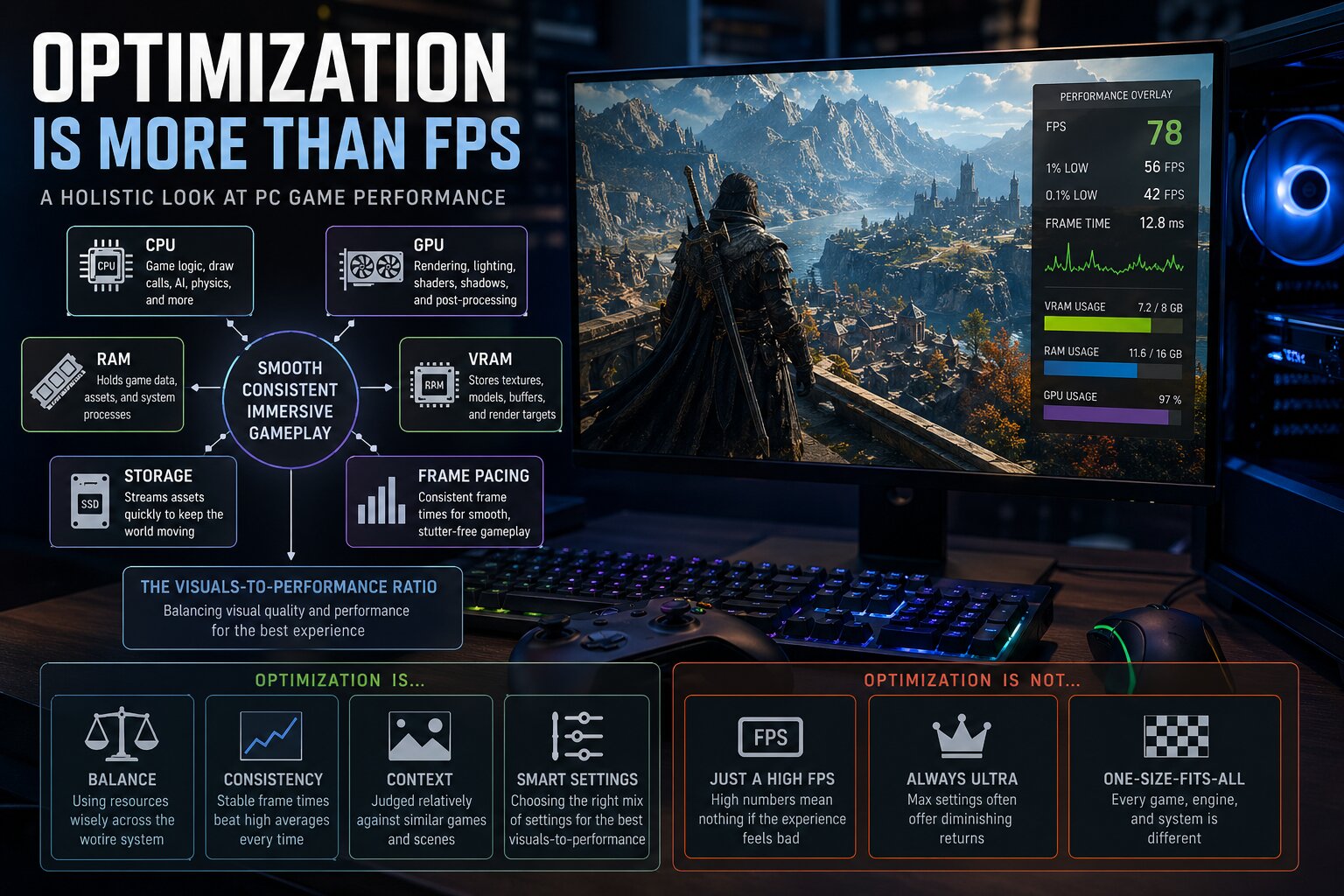
In the world of PC gaming, “badly optimized” is a phrase that gets tossed around more than a grenade in a crowded lobby. Usually, the story goes like this: a shiny new game launches, players crank everything to Ultra, watch their frames per second (FPS) counter like a hawk, and reach a verdict in seconds. If the frame rate isn’t high enough to their liking, then the game is deemed “unoptimized”. If it runs like butter, then it’s “well optimized”.
The reality, however, is that PC game optimization is a massive, complicated puzzle. Performance isn’t just about how hard a game pushes your graphics processing unit (GPU). It is a delicate dance involving central processing unit (CPU) render/simulation workloads, pipeline state object (PSO)/shader compilation, system dynamic random-access memory (RAM) and GPU video random-access memory (VRAM) usage, asset streaming and decompression, GPU driver behavior, etc. Even how consistently those frames reach your screen matters. A game might be GPU-bound because of realistic lighting, or it might be CPU-bound because there are too many non-player characters (NPCs) and physics systems contending for CPU resources. A game can stutter because of poorly timed shader compilation or hitch because the storage device isn’t feeding it data fast enough. Sometimes, a game looks smooth on an average framerate/FPS chart but feels terrible because of inconsistent frame pacing.
Judging a game solely by average FPS is like judging a car only by its top speed; it tells a story, but an incomplete one. Instead, we should think of PC game optimization as a visuals-to-performance ratio. This means looking at how much visual quality, world complexity, and responsiveness a game delivers for the hardware cost it demands. A game hitting 100 FPS that looks flat and empty isn’t necessarily “better optimized” than a 70 FPS game with breathtaking visual fidelity and dense environments. On the flip side, being pretty doesn’t excuse poor frame pacing or memory leaks. At its core, PC game optimization is budgeting. Developers have a limited “spend” for CPU, GPU, and memory resources each frame, and the real test is whether they spend those resources intelligently.
PC Game Optimization Is a Whole-System Problem, Not Just a GPU Problem
The biggest mistake people make is pretending performance begins and ends with their graphics cards. While that might have worked back when games were simpler, modern titles are massive, memory-hungry beasts built on complex systems. Open worlds, real-time ray/path tracing, bespoke NPC simulation, and procedural generation systems all stress different hardware and software parts of your PC.
The GPU is still the heavy lifter for processing game geometry and lighting, but a game can run badly even when the GPU is doing its job. A CPU bottleneck can be just as lethal; if the CPU is overloaded by a geometrically complex, draw call-heavy scene or NPC-heavy area, then your GPU will just sit around waiting for instructions to execute. In those cases, lowering your graphics settings won’t help because the GPU wasn’t the problem in the first place.
Then there’s the memory side. System RAM and GPU VRAM work together to hold game data, assets, and textures, but if a game exceeds your graphics card’s VRAM capacity, then the operating system (OS) has to swap data with slower system memory. This can lead to stuttering, texture/asset pop-in, and sudden performance tanking. Even your storage device is now part of the equation. Modern games stream huge amounts of data constantly; if your solid-state drive (SSD) can’t load those data in time, then you get traversal stuttering/hitching. Technologies like Microsoft‘s DirectStorage application programming interface (API) aren’t just for fast loading; they help these worlds stream their assets smoothly. When a player says a game “runs badly”, it could mean anything from an overloaded GPU to a struggling asset-streaming system. As such, a truly optimized game keeps the whole system in balance.
Why Average FPS Is Not Enough
Average FPS can be a very misleading figure. In effect, if game A averages 90 FPS but with constant stutters, and game B averages 70 FPS but with consistent performance, then game B is going to feel much better. This is why frametime — the time it takes to render each game frame — is the performance metric that actually matters most. At a target framerate of 120 FPS, for example, you want each frame to take about 8.3 milliseconds to be rendered by your PC, and the closer the game stays to that target, the smoother it feels.
If some frames take much longer than others, you perceive it as stuttering, which is why we look at 1% and 0.1% lows in benchmarks. Smoothness is about rhythm, not just quantity. This rhythm is hard to maintain on PC because of the sheer chaos of different hardware and software configurations. And don’t look at frame generation as a magic fix. While DLSS or FSR Frame Generation can improve fluidity, they don’t replace a healthy base frame rate. If the underlying game has latency or stuttering/hitching issues, then generated frames might hide the symptoms, but they won’t cure the disease.

The Visuals-to-Performance Ratio
The fairest question you can ask is: “What am I getting visually and interactively for this performance cost?” A game with dense foliage and complex dynamic lighting is naturally going to be “heavier” than a corridor shooter, and that doesn’t mean it’s badly optimized — it’s just doing more work to compute its fancy visuals.
However, visual ambition isn’t a free pass for laziness. If two games look similar but one runs significantly worse, then it’s time to start asking questions. PC game optimization has to be judged relatively. After all, you can’t compare a small indie game to a massive open-world role-playing game (RPG). In order to properly analyze a given PC game’s optimization, you have to ask if the game looks good for its performance, if its graphics settings actually scale, if it respects VRAM limits, and if it runs well before upscaling is turned on, on the appropriate hardware.
The “Ultra” Trap: Why Optimized Settings Are the Real Test
To judge a game fairly, you have to stop treating the “Ultra” (or maxed-out) preset as the baseline. The true measure of PC game optimization is found in optimized graphics settings, which represent the sweet spot where you maximize the visuals-to-performance ratio by cutting nearly invisible resource hogs.
Rockstar Games’s Red Dead Redemption II is perhaps one of the best examples to showcase this. At launch, many PC players maxed every graphics setting and instantly labeled the game “unoptimized” when their performance tanked. But those Ultra settings were built for future hardware, not contemporaneous hardware. By identifying a few heavy-hitters — like water physics or lighting quality — PC players could more than double their performance in many cases with almost no visible loss in quality. A well-optimized game isn’t one you can “max out” on day one; it’s one that gives you the tools to make it look stunning and run beautifully at the same time.

Good Optimization Does Not Mean “No Visual Sacrifices”
It’s a misconception that a fast-running game is “perfectly” optimized. Often, a game runs well because its developers made smart compromises. They might use baked lighting or reduce draw distances to stay within budget. If those cuts are hidden well, then the game looks and runs great — that is indeed the definition of good optimization.
But performance is never free. A modern game aiming for a high-end ray-traced/path-traced showcase is naturally going to struggle more than a game with excellent art direction but with simpler rendering technologies. The key here is balance: the visuals and the cost should make sense together. If a game looks average but stutters and runs like a path-traced behemoth, then something is definitely wrong.
VRAM, System RAM, and Why Stutter Often Comes From Memory Pressure
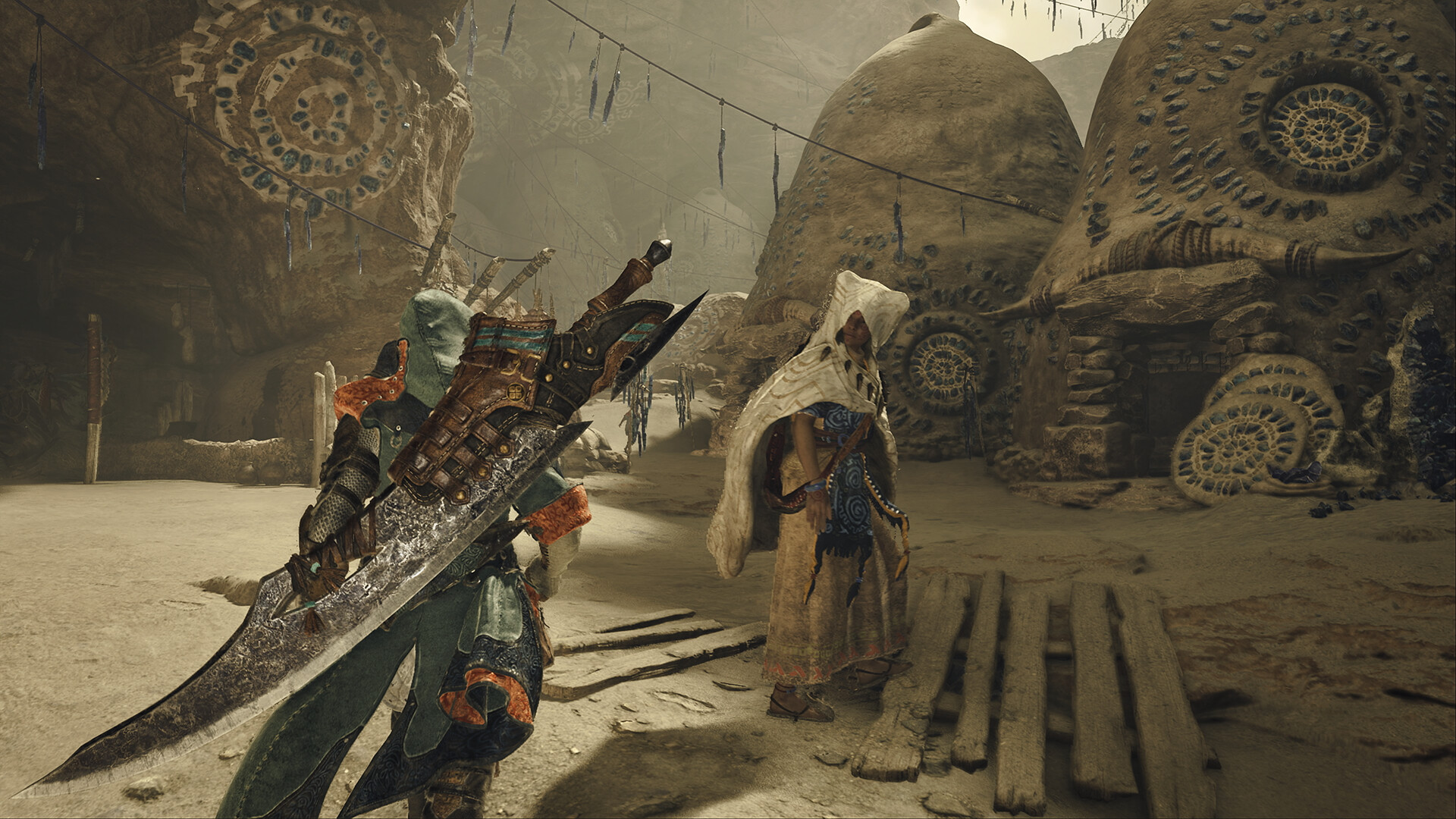
One of the biggest headaches in modern gaming is VRAM pressure. VRAM holds everything from game assets, models, textures, to ray tracing data, and as resolutions and asset quality go up, so does the demand on VRAM. If you stay within your VRAM budget, then things are stable; otherwise, the GPU has to pull data from system RAM, which is much slower in terms of both bandwidth and latency. This is why a PC game might run fine for ten minutes and then suddenly start stuttering or hitching after you enter a new area, for example.
Texture settings are tricky because they can feel “free” until you hit that VRAM limit, at which point the performance impact becomes disastrous. While we shouldn’t expect games to stay within 8 GB of VRAM forever, well-optimized PC games should scale intelligently and communicate their usage clearly so players can make informed choices.

Shader Compilation Stutter: The PC Problem That Refuses To Die
Shader compilation stutter has become the villain of the DirectX 12/Vulkan era. Shaders are tiny programs that tell the GPU how to render geometry, lighting, and other miscellaneous effects. Because PC hardware and software (specifically GPUs and their associated drivers) are so varied, these often need to be compiled specifically for your setup. If this happens while you’re playing, then you get an annoying and noticeable hitch the moment a new effect appears on your screen.
That “compiling shaders” screen at the start of a game might be annoying, but it’s much better than intermittent stuttering during gameplay. A well-optimized PC game manages this by pre-compiling shaders (or PSOs), so they’re ready when your GPU needs them. It’s a harder problem on PC than on consoles because developers have to account for billions of PC hardware/software combinations.

Upscaling and Frame Generation Are Useful, But They Complicate Optimization Talk
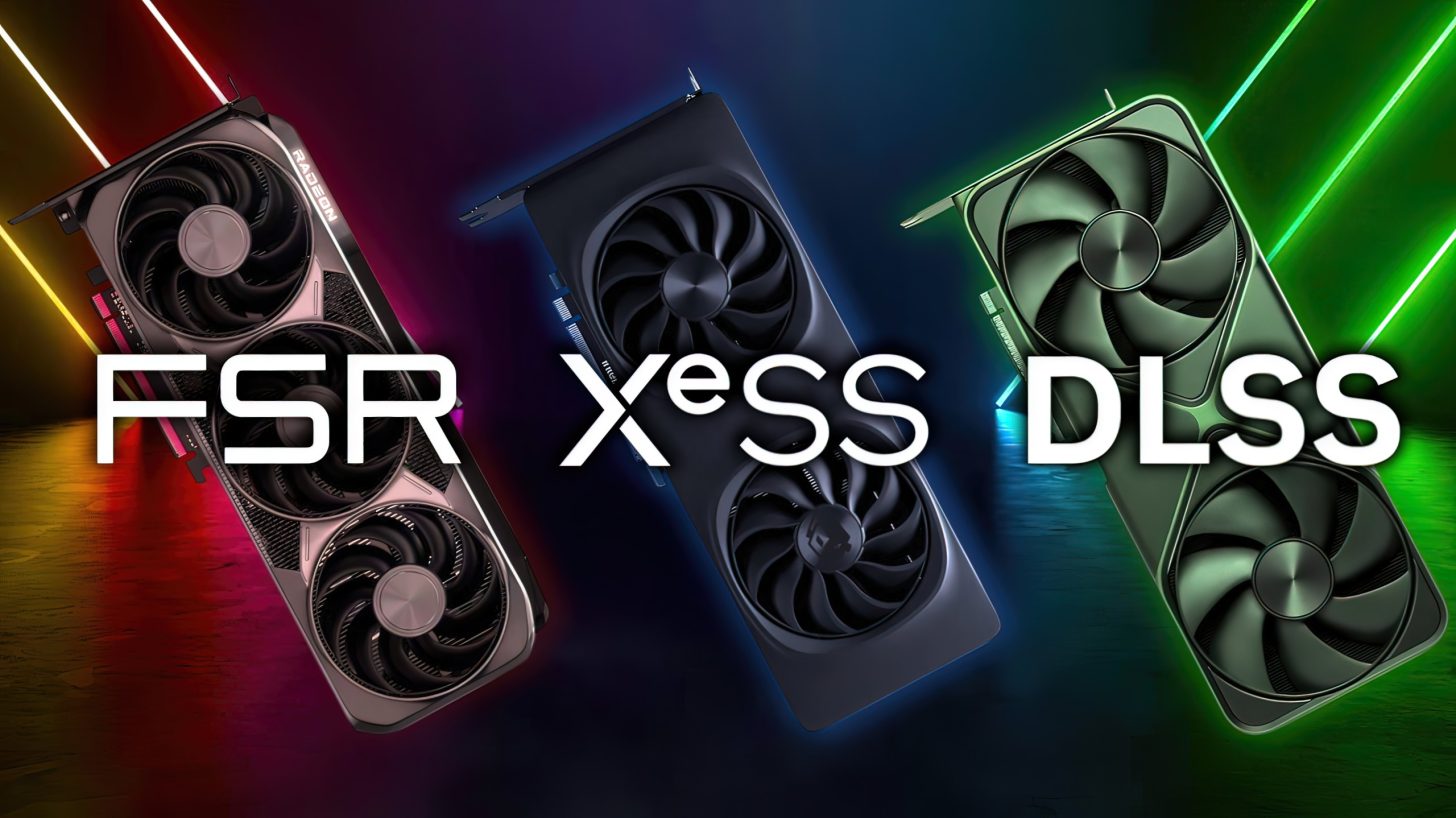
Temporal upscaling and frame generation technologies like NVIDIA Deep Learning Super Sampling (DLSS), AMD FidelityFX Super Resolution (FSR), and Intel Xe Super Sampling (XeSS) are legitimate tools that can boost both performance and visual smoothness, at the cost of lowering image quality and increasing latency. However, they should absolutely not be used as crutches to hide an underlying optimization problem.
A fair evaluation looks at two layers: how the game performs natively (base framerate, latency, frametime consistency, etc.) and how good the temporal upscaling/frame generation implementations are. Frame generation particularly works best when the base framerate is already high enough. If you try to generate interpolated frames from a shaky, high-latency base FPS, then while the output might look smoother, it certainly won’t feel responsive, and it’ll most likely be quite artifact-ridden as well.
The Myth That Older PC Games Were Always Better Optimized
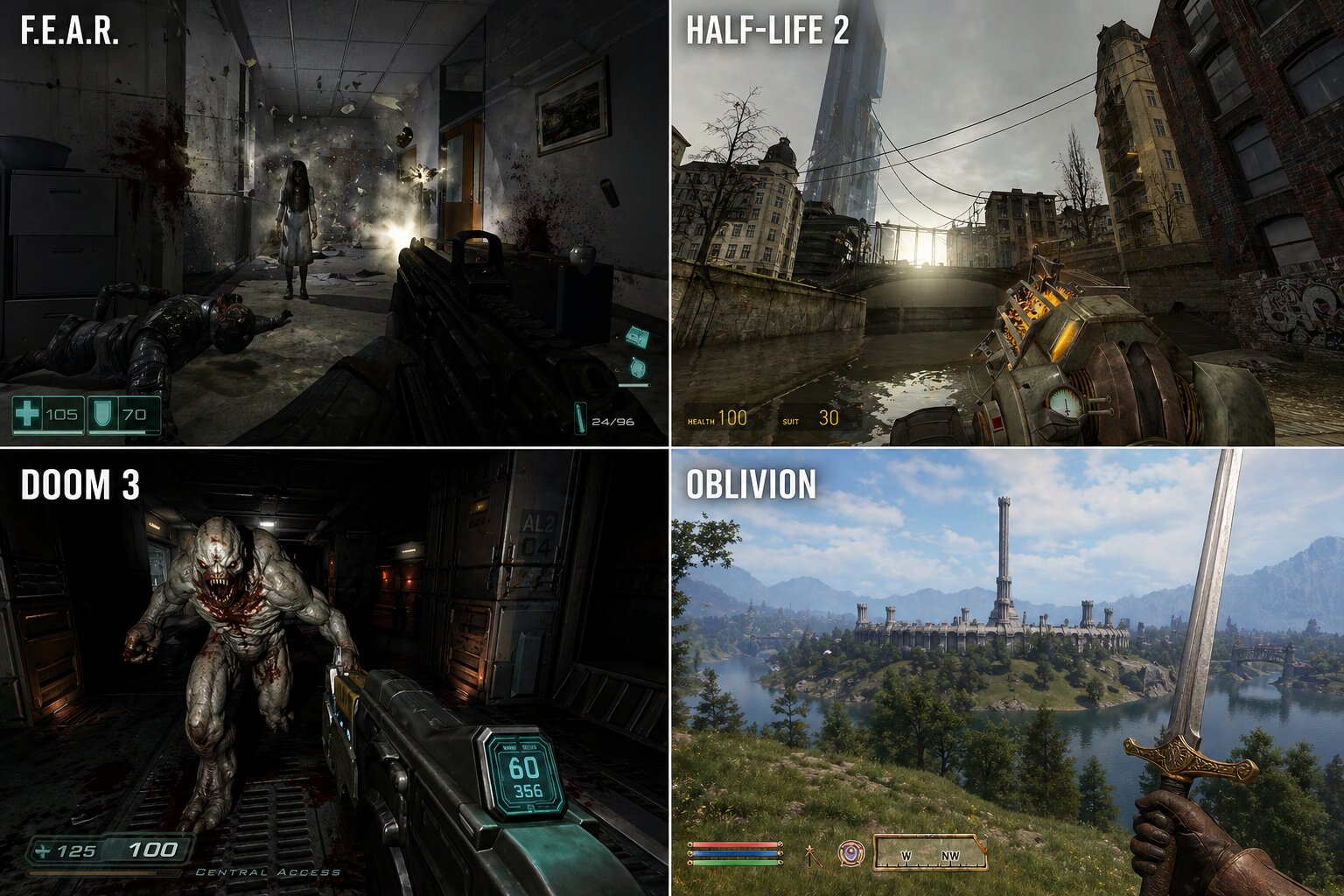
There’s a common nostalgic myth that older PC games launched perfectly. The problem is that we often compare older games running on modern hardware to modern games running on today’s hardware. Of course, legendary older PC games such as Half-Life 2, F.E.A.R., DOOM 3, and The Elder Scrolls IV: Oblivion run basically flawlessly now, as you’re using hardware that’s a dozen generations ahead of what they were built for.
At launch, the reality was much messier. Half-Life 2 had notorious sound stuttering and hitching, DOOM 3 and F.E.A.R. could crush flagship GPUs of their time due to heavy use of realistic dynamic lighting, reflections, soft shadows, and complex pixel shading. And last but not least, Oblivion would often stutter and hitch even on high-end PCs of the time while traversing its open world, as the game engine streamed in new “cells” containing textures, objects, and miscellaneous terrain data into system/GPU memory on the fly.
We remember these games as “being optimized” because we’ve had years of patches, OS/driver updates, and hardware brute force to smooth them out. Demanding games and hardware limitations have always been part of the PC experience.
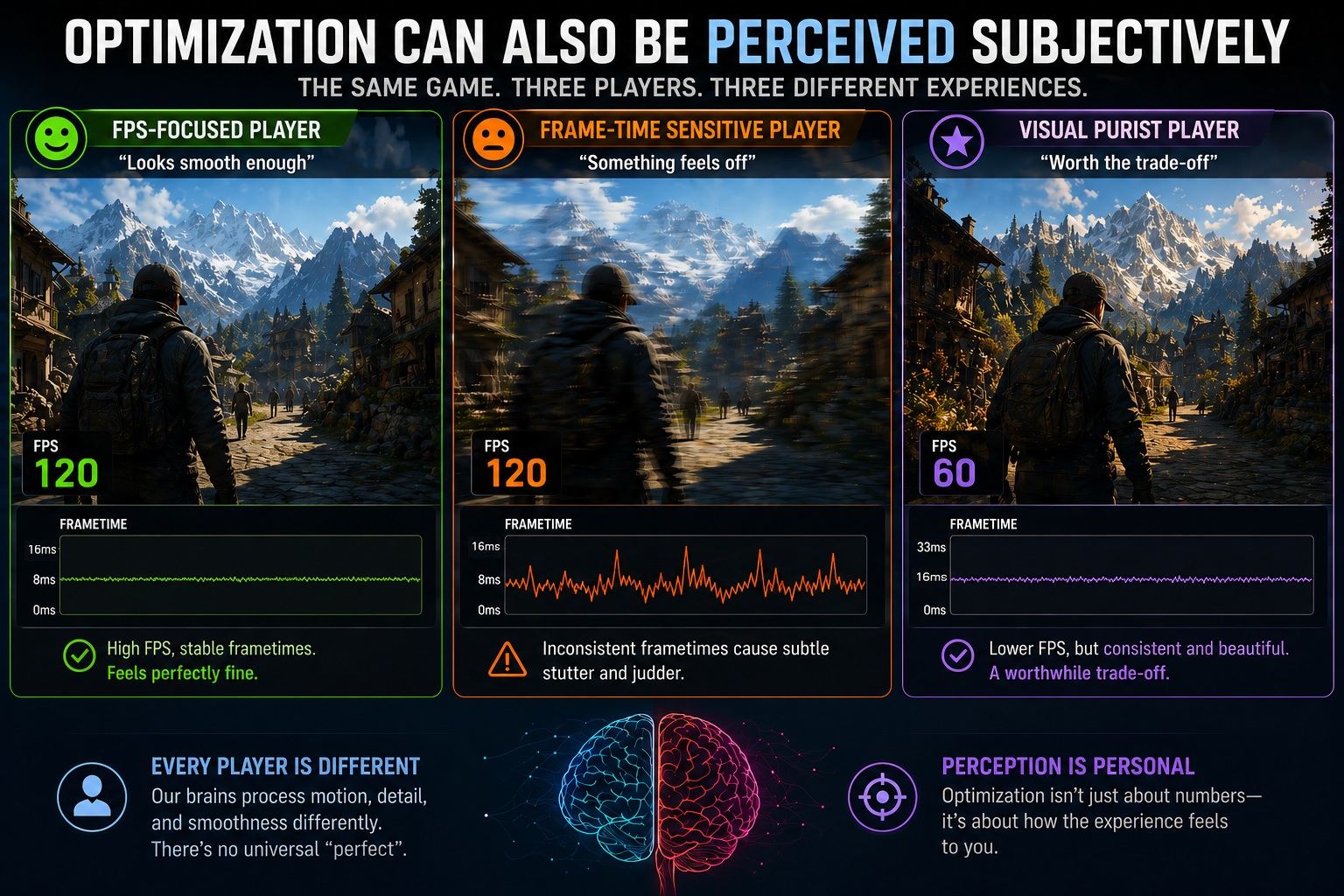
Optimization Can Also Be Perceived Subjectively
Even with all the data in the world, PC game optimization can still be interpreted subjectively by many. Some just want a high number on their FPS counter, while others are hyper-sensitive to the tiniest frametime spikes. Your monitor matters greatly, too, as a variable-refresh rate (VRR) display can mask frametime fluctuations that would be tangible on a fixed-refresh rate display. Further, even your input device can make a difference, as mouse-and-keyboard PC gamers often notice input latency more than their controller brethren.
There are even some biological differences in how we perceive motion. This explains why one person says a game is “smooth enough” while another finds it nigh on unplayable. Good technical analysis should acknowledge these differences while measuring the objective data.
How PC Game Optimization Should Be Judged More Fairly
We need to stop treating every framerate dip like a personal insult from the developers. In an era where games are pushing boundaries in lighting, geometric complexity, texture fidelity, and world scale, we can’t expect Ultra/maxed-out graphics settings to be the universal standard for every machine, including high-end ones. True technical mastery isn’t just about high numbers; it’s about how a game respects your hardware, how consistently it delivers those frames, and whether the visual payoff actually justifies the heavy lifting your PC is doing. If we want to move past the era of toxic launch-day debates and actually understand the technical craft behind our favorite PC titles, we have to change the way we measure success. To have a better conversation about PC game optimization, we need to move beyond a single number and judge games through a framework built on these core pillars:
- Compare scope: Don’t compare a linear game to a massive open world.
- Comparable similar scenes: Test in demanding, repeatable areas, not quiet corridors.
- Data beyond averages: Include 1% and 0.1% lows to account for stuttering and hitching.
- Optimized settings: Evaluate optimized graphics settings rather than just Ultra/maxed-out graphics settings.
- Evaluate CPU/storage device performance: Modern games are incredibly complex, and the GPU isn’t solely responsible for delivering smooth performance.
- Memory health: Consider VRAM and RAM usage contextually.
- Native vs upscaled rendering: Treat temporal reconstruction (and frame generation) as part of the toolbox, but analyze native-resolution rendering performance first.
- The visuals-to-performance ratio: Always ask if the game runs as well as it should for what it’s rendering.
Final Words
Optimization isn’t just one number; it’s a balancing act. A game can achieve incredibly high FPS figures and still feel like garbage to play, or be incredibly demanding yet very well optimized because it spends its resources wisely to display its state-of-the-art visuals. It’s all about balance: do the achieved visuals, PC hardware demands, and overall experience and polish feel like they’re in harmony?
Modern PC games are more complex than ever, making optimization harder to get right but also more vital. The “golden age” of perfect PC launches is a myth, but the best PC versions — the ones that scale gracefully and deliver consistent performance and high visuals-to-performance ratios — are the ones that truly justify their place on our SSDs.

About the author: Sebastian Castellanos is a data scientist by education and training. He’s also deeply passionate about PC gaming hardware and software. He has recently started writing technical articles and guides Wccftech about PC hardware, games and mods.
Follow Wccftech on Google to get more of our news coverage in your feeds.
VIA: wccftech.com